

Chat branching
Explore a different direction from any point in a conversation.
Branching lets you split off a new conversation from any point in an existing chat, without losing or altering the original. Useful for trying a different prompt, model, or direction without overwriting what you already have.
Creating a branch
Hover over any of your own messages and choose Branch from here.
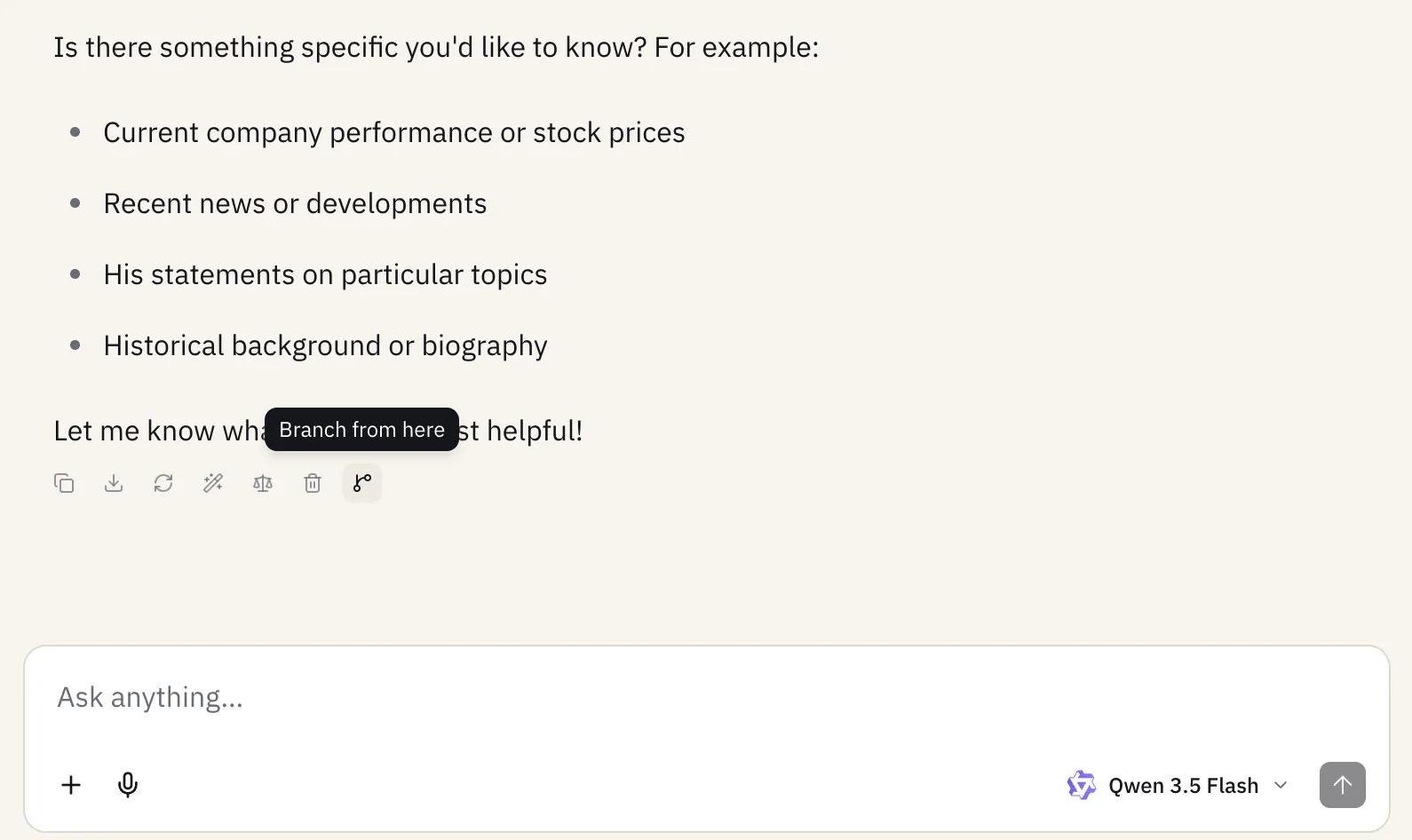
This opens a new chat pre-loaded with everything up to that message. The new chat is tagged Branch in your chat list and sidebar, with a Parent chat link back to where it came from.
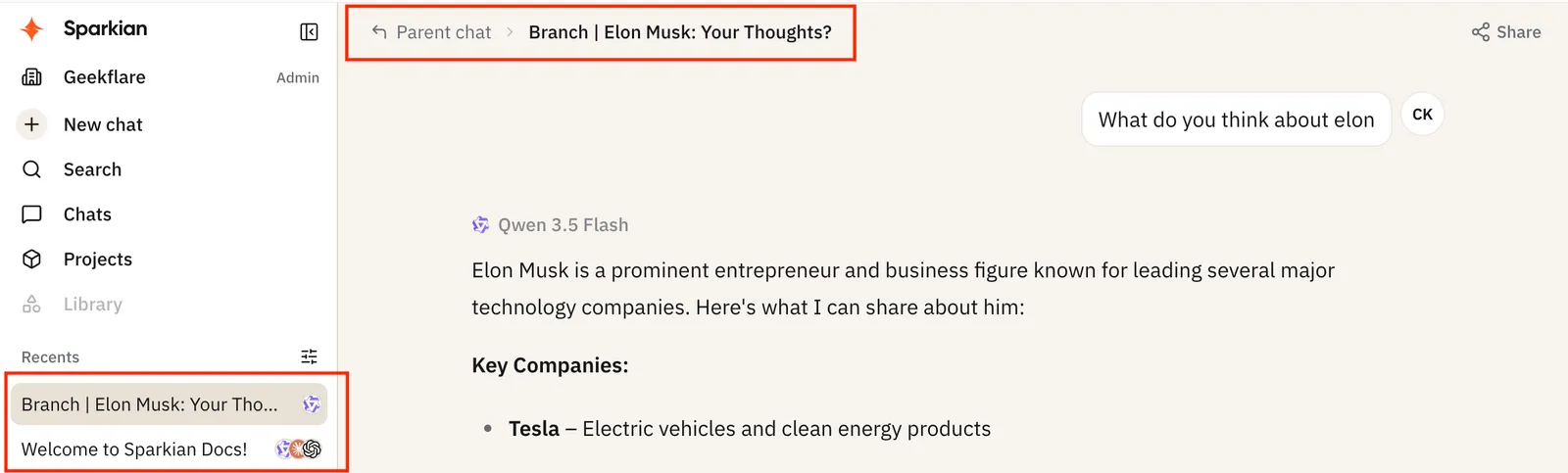
After branching
A branch behaves like any other chat from that point on - you can rename it, move it into a project, or delete it independently of the original conversation.