

Personal memory
Personal memory lets Sparkian pick up useful details from your chats like your name, preferences, how you like answers formatted and carry them into future conversations, so you don’t have to repeat yourself every time.
This is different from Context mode, which only manages what’s sent within a single conversation. Personal memory works across your chats, but only within one workspace at a time. It isn’t shared with teammates, and doesn’t carry over to a different workspace.
Turning it on or off
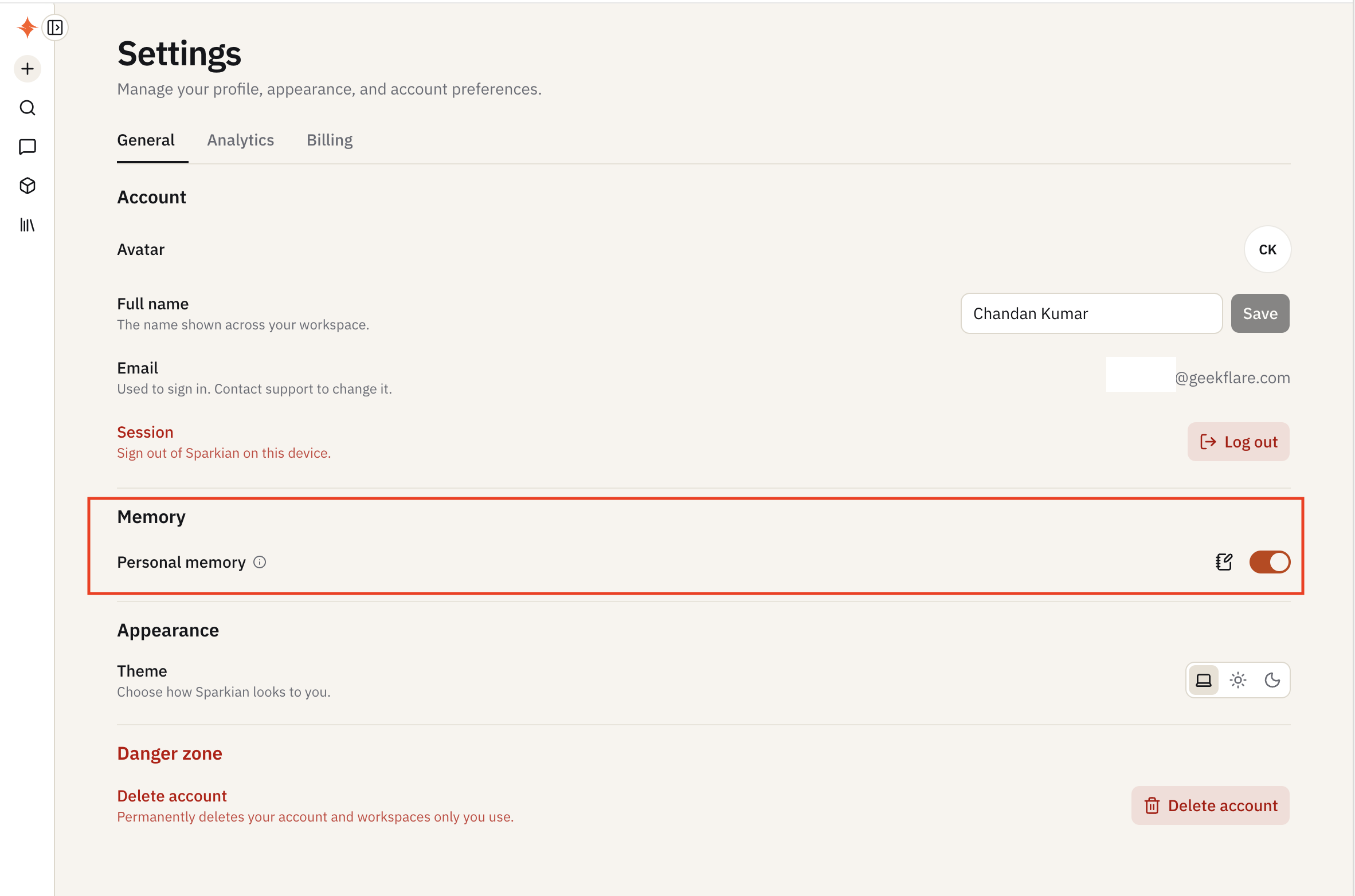
Go to Settings → General → Memory and use the Personal memory toggle (on by default). Turning it off stops Sparkian from saving new memories or using existing ones.
Managing saved memories
Click the edit icon next to the toggle to open Saved memories, where you can:
- Search your saved memories
- Edit or delete any individual memory
- Add one manually by typing it in and clicking Add, instead of waiting for Sparkian to pick it up from a conversation
- Clear all memories at once
Saved memories here are private to you within the current workspace.