

Chat response actions
What you can do with any AI response.
Every AI response has a row of actions underneath it:
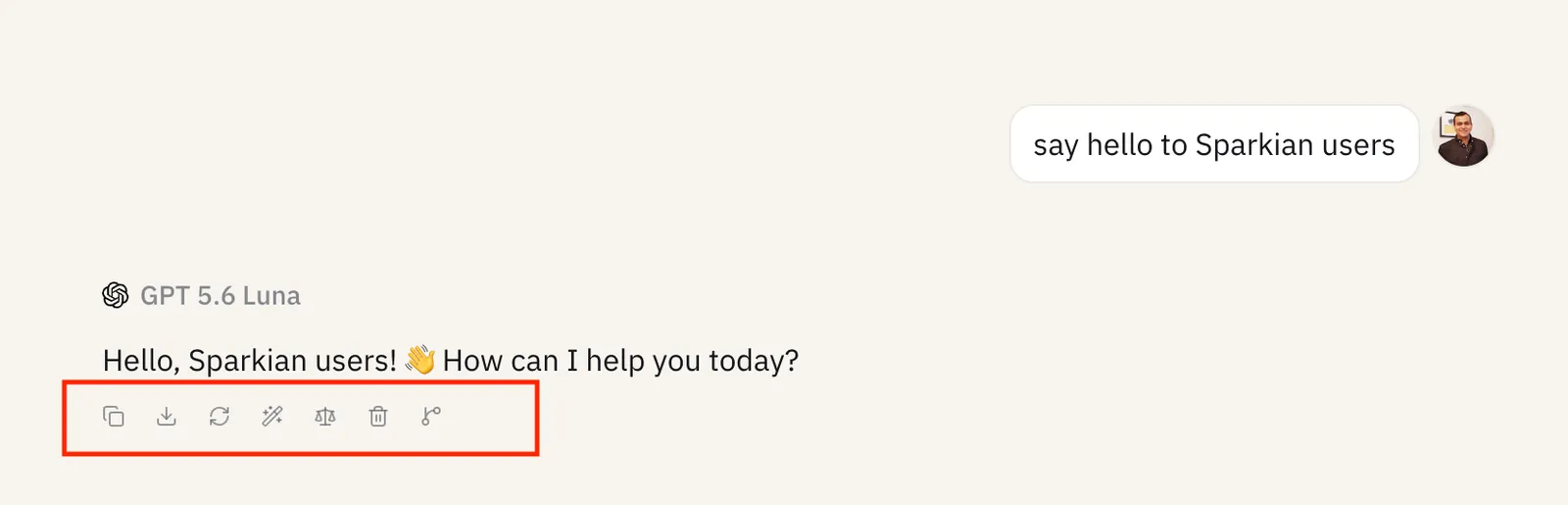
- Copy response - copy the response (see Copy and export for the available formats)
- Download response - save the response as a file (PDF, Word, or Markdown)
- Retry response - regenerate the response from the same prompt
- Repurpose response - rewrite the response as a new follow-up message (see below)
- Compare with another model - re-run the same prompt on another model and view them side by side, turning the chat into a multi-model chat
- Branch from here - start a new chat pre-loaded with the conversation up to this point - see Chat branching
- Delete response - remove this response (see Deleting messages and chats)
- ✦ Sparks consumed - hover the ✦ icon to see how many Sparks this response used (see Sparks)
- Listen to response - have the response read aloud
In a multi-model chat, each model’s response column has its own copy of these actions, plus Hide response and Make this the primary response.
Repurpose response
Repurpose response picks a way to rewrite the current response and sends it as a new follow-up message:
- Summarize, Simplify, Shorten, Expand
- Formal tone, Casual tone
- Translate to — English, Spanish, French, German, Hindi, or Japanese