
Copy and export
Ways to save or reuse a Sparkian response.
Every AI response in Sparkian can be copied or downloaded in a few different formats, so you can move it wherever you need.
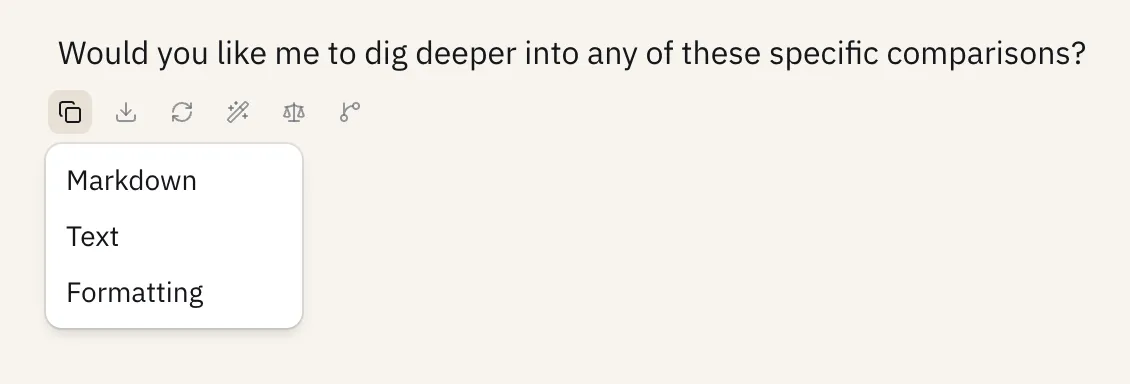
Copy options
- Markdown - copies the raw markdown syntax, ideal for pasting into code editors, GitHub, Notion, and similar tools.
- Plain text - copies text only, stripping all rich formatting, links, and code block styling.
- Rich text - copies the response exactly as it appears in the chat, with formatting preserved, ideal for pasting into emails or Google Docs.
Download options
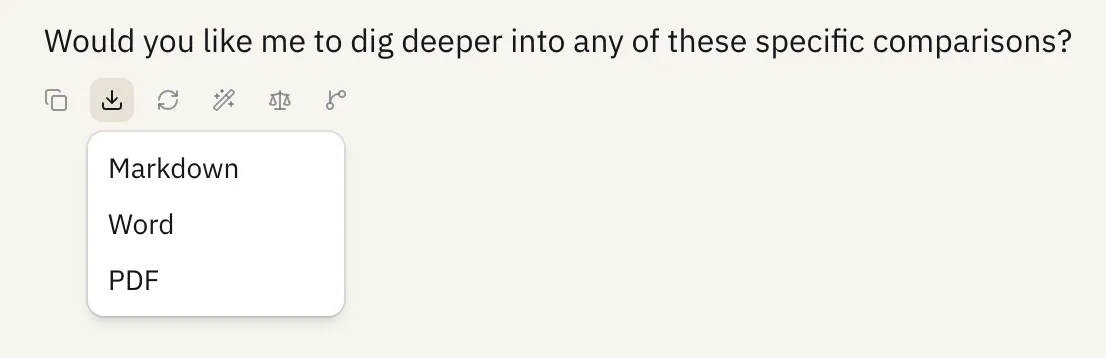
For longer responses (over 200 words), you can also download the response as a file:
- PDF (
.pdf) - best for sharing a finalized document with stakeholders. - Word document (
.docx) - best when you need to keep editing, formatting, or collaborating with a team. - Markdown (
.md) - best for technical documentation, code-heavy responses, or blog posts.