

Knowledge base
Reusable files and notes you can reference in any chat.
Instead of re-attaching the same files to every chat, add them once to your Knowledge base and reference them whenever you need to.
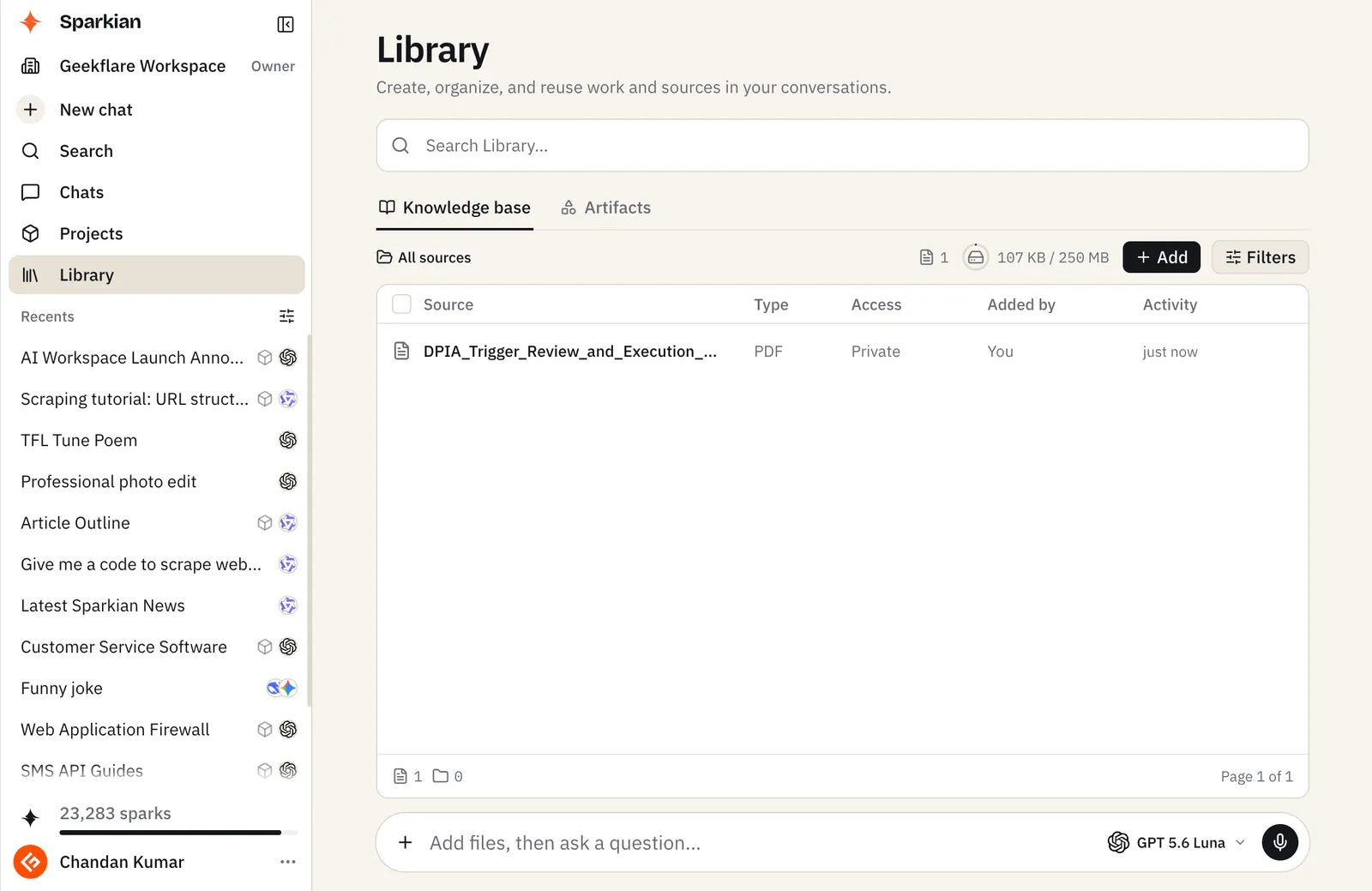
Open it from Library → Knowledge base.
Adding sources
Click Add to:
- Add files — upload documents (see supported file types)
- Add text — paste or write a plain-text note directly
- New folder — organize sources into folders
Each source has a Visibility setting:
- Private — only you can see and use it
- Workspace — anyone in the workspace can reference it
Total storage available depends on your plan.
Using it in a chat
Open the + (Add tools and actions) menu and choose Add from Library (or type /library) to attach a knowledge base source to your current chat. It’s priced like any other content in the request. See Sparks (credit system) for how cost scales with what a request processes.