

Deleting messages and chats
Remove a single response or an entire conversation.
Deleting a response or a chat happens immediately.
Deleting a single response
Use Delete response in the response action row under any AI response to remove just that response.
Deleting an entire chat
From the sidebar or the Chats list, hover a chat and open its ⋯ menu, then choose Delete.
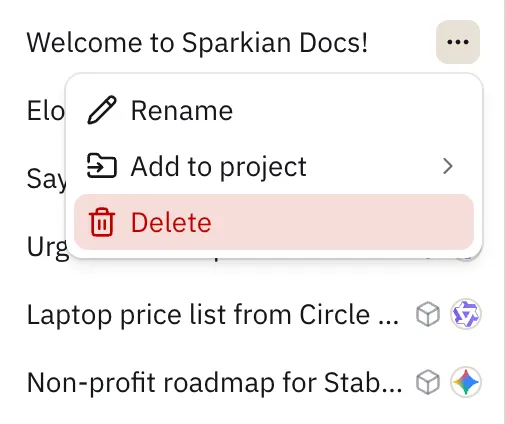
This permanently removes the entire conversation.