

Account settings
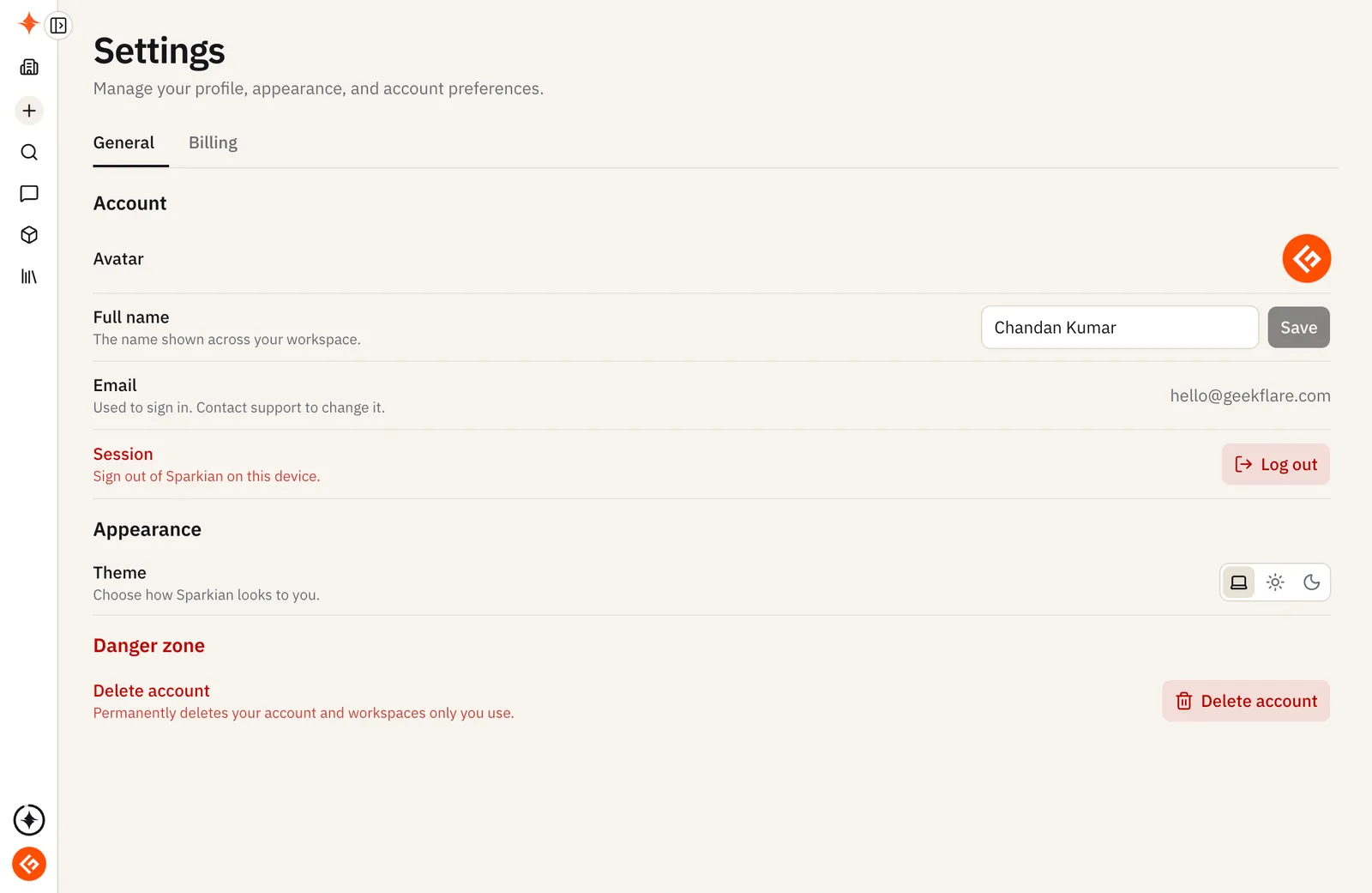
Open your account menu (bottom of the sidebar) → Settings. It has three tabs: General, Analytics, and Billing.
General
- Account — your avatar, full name, and sign-in email (contact support to change your email), and Log out of the current session
- Memory — turn Personal memory on or off, and manage saved memories
- Appearance — choose how Sparkian looks: System, Light, or Dark
Analytics
Usage for your current workspace: messages, Sparks spent, top chats, team activity, and model breakdown. See Analytics.
Billing
Your current plan, Sparks balance and renewal date, usage against your plan’s seats/workspaces/knowledge base limits, and options to upgrade or add Sparks.
Deleting your account
Under General → Danger zone, Delete account permanently deletes your account and any workspaces only you use.
This can’t be undone. If you’re the only person using a workspace, it’s deleted along with your account. If a workspace has other members, transfer ownership to someone else first — otherwise, if no one takes over billing, any active subscription on it is canceled. Type DELETE to confirm.