

Sharing a chat
Share a read-only snapshot of a conversation.
Click Share at the top of any chat to publish a read-only snapshot of the conversation. Messages you send after sharing stay private until you update the snapshot.
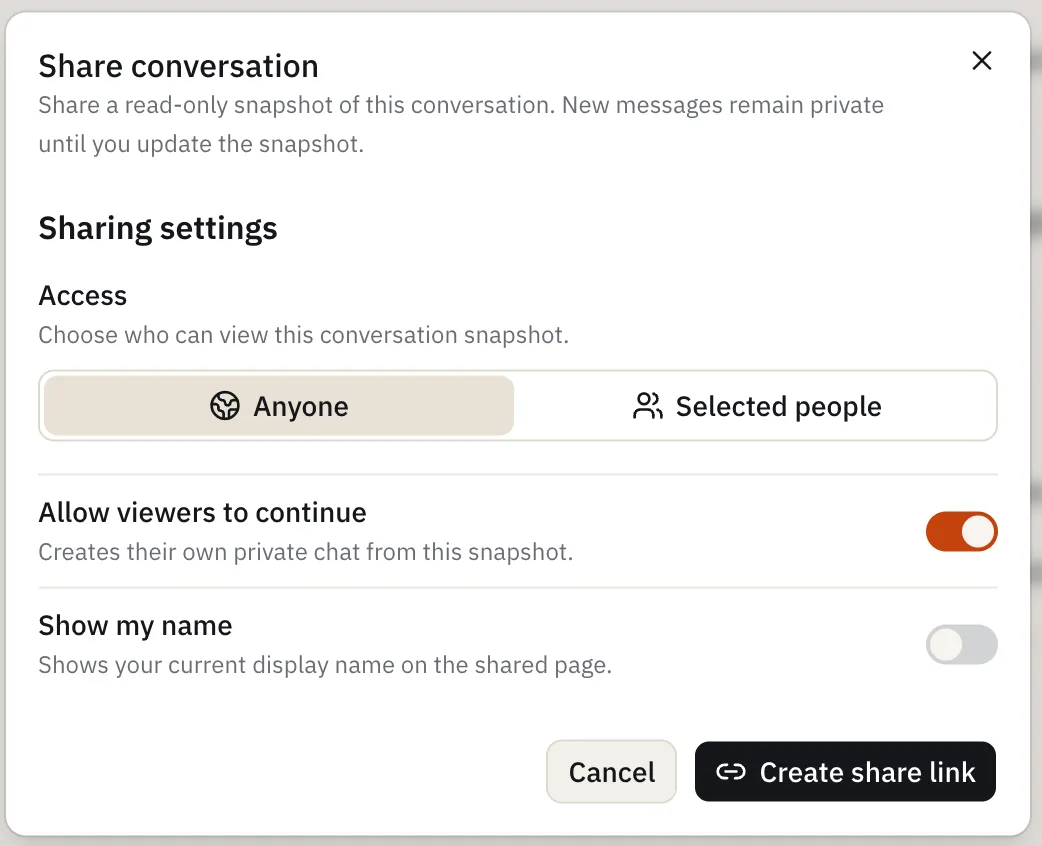
Sharing settings
- Access — choose who can view the shared snapshot:
- Anyone with the link
- Selected people — pick specific members from your workspace
- Allow viewers to continue — lets viewers branch off into their own private chat from your snapshot (on by default)
- Show my name — displays your name on the shared page (off by default)
Click Create share link to generate the link once you’ve set these options.